






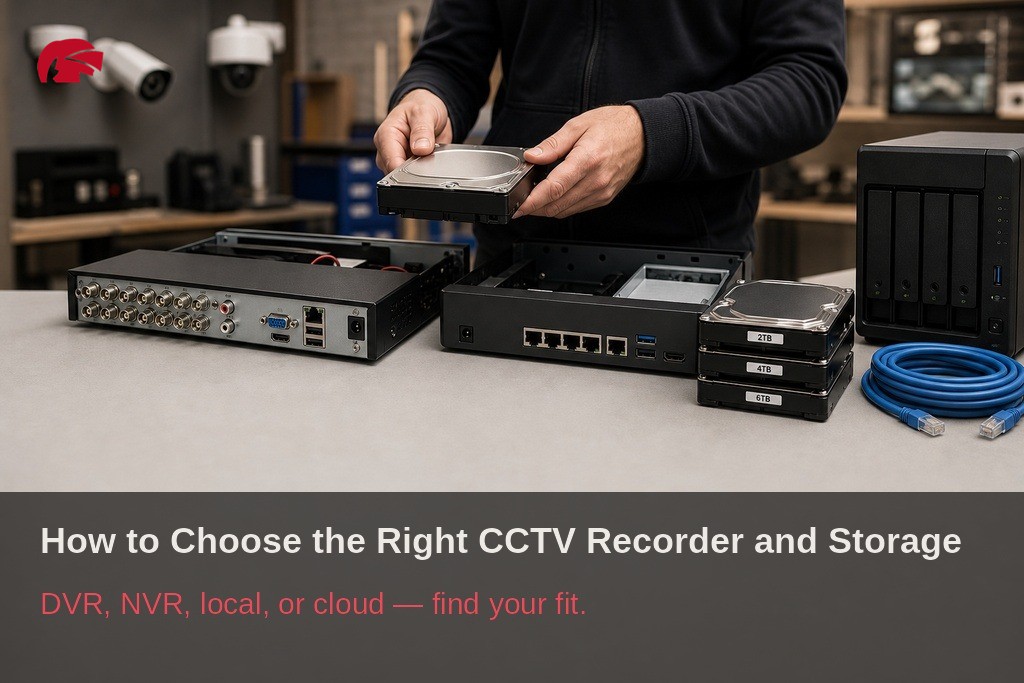
How to Choose the Right CCTV Recorder and Storage

Key Takeaways
This guide helps Manchester property owners and businesses choose the right CCTV recorder and storage setup to ensure reliable, compliant security footage retention.
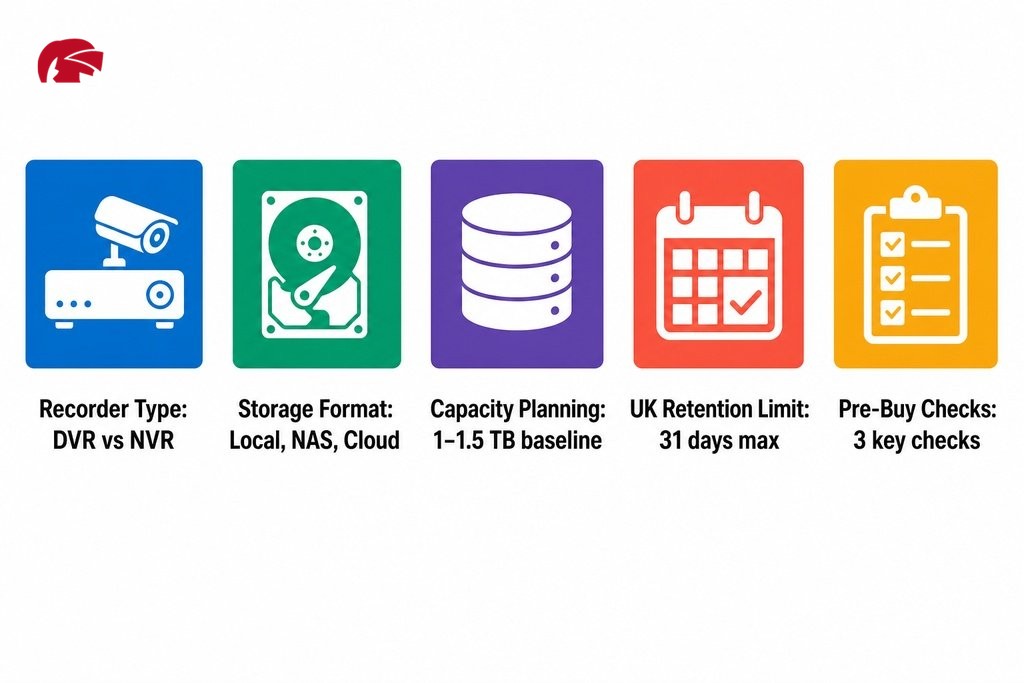
- Choosing between a DVR and an NVR depends on your existing cabling; DVRs suit sites with coaxial infrastructure while NVRs offer higher resolution and scalability for new IP camera installations.
- Storage capacity planning must account for the number of cameras, recording resolution, frame rate, compression format, and your desired retention period; eight 1080p cameras recording continuously for 14 days require roughly 1 to 1.5 TB using H.265 compression.
- The ICO advises retaining CCTV footage for no longer than 30 to 31 days under UK GDPR; footage must be stored securely with documented access controls and a clear stated purpose.
- Motion triggered recording can reduce storage consumption by up to 50 percent compared to continuous recording, making it a practical default for quieter sites while busier commercial premises may benefit from continuous capture.
- Before purchasing any recorder, verify camera compatibility, confirm whether storage is expandable, and source from an authorised trade distributor to ensure firmware support, warranty cover, and genuine manufacturer backing.
Getting the cameras right is only half the job. Without the correct recorder and a properly sized storage setup, even the sharpest cameras can leave you with overwritten footage, system gaps, or recordings that cannot be used when it matters most. This guide is written for property owners, shop managers, warehouse operators, and small business owners across Manchester, whether your site is in the city centre, Salford, Trafford, or further out across Greater Manchester. The choices you make around camera recording equipment will directly shape whether your system delivers real security value or just the appearance of it.
This guide covers recorder types, storage formats, capacity planning, UK compliance obligations, and the practical checks you should run before committing to any equipment, giving you enough working knowledge to have an informed conversation with your installer or trade supplier and to avoid the most common and costly mistakes.
Why Your Recording Setup Matters as Much as Your Cameras
A high-resolution camera connected to an undersized or poorly configured recorder will produce footage that gets overwritten before anyone reviews it, or that degrades during compression. The result is a system that looks functional from the outside but fails at the moment you actually need it.
A study analysing 251,195 crimes recorded by British Transport Police between 2011 and 2015, published in the European Journal on Criminal Policy and Research (Springer), found that the usefulness of CCTV evidence depended heavily on system configuration and footage retention. Recording gaps caused by storage limitations or short overwrite cycles were directly linked to reduced investigative success, a finding with direct practical consequences for any Manchester business relying on CCTV to protect staff, stock, or premises.
Poor storage planning also creates compliance problems. UK data protection law requires that CCTV footage showing identifiable individuals be handled as personal data, stored securely, and retained only for as long as necessary. Getting this wrong can expose your business to regulatory risk, regardless of how good your cameras are.
CCTV Recorder Types: What Are Your Options?
There are two main recorder types in common use across UK security installations. The right choice depends on the cameras you have or plan to install, your cabling infrastructure, and the resolution and scalability you need going forward.
DVR or NVR: Which Recorder Do You Need?
The choice between dvr vs nvr cctv recorders is one of the first decisions any installer or property owner faces when specifying a recording system.
DVR (Digital Video Recorder) is designed for analogue camera systems, receiving video via coaxial cable. Image processing happens inside the recorder, so quality is limited by the analogue signal coming in. DVRs remain a practical, cost-effective option for smaller sites with existing coaxial cabling where 4K resolution is not required.
NVR (Network Video Recorder) works with IP cameras, receiving pre-processed digital streams over an Ethernet network or Wi-Fi. Because the camera handles image processing before transmission, NVRs support significantly higher resolutions, more flexible camera placement, and easier remote access. They are the standard choice for new installations where scalability and image quality are priorities. IP camera systems require more planning around network infrastructure and typically cost more upfront.
Hybrid and PoE Recorders
Hybrid recorders support both analogue and IP camera inputs from a single unit, suiting sites with a mix of camera types or those making a phased transition to IP without a full system replacement. PoE NVRs (Power over Ethernet NVRs) deliver both data and power through a single Ethernet cable, removing the need for separate power runs to each camera. This is particularly useful for new-build sites or locations where running additional cabling is difficult.
| Recorder Type | Camera Compatibility | Cabling | Max Resolution | Best Suited To |
|---|---|---|---|---|
| DVR | Analogue | Coaxial | Up to HD (limited by analogue signal) | Sites with existing coaxial cabling; smaller installs |
| NVR | IP cameras | Ethernet / Wi-Fi | 4K and above | New installations requiring scalability and high image quality |
| Hybrid | Analogue and IP | Coaxial and Ethernet | Depends on camera type | Sites transitioning from analogue to IP in phases |
| PoE NVR | IP cameras (PoE) | Single Ethernet cable (data and power) | 4K and above | New-builds or locations where additional cabling is difficult |
CCTV Storage Options: Where Does Your Footage Live?
Once you have chosen a recorder type, the next question is where the footage actually lives. There are three main surveillance video storage formats, each with different implications for cost, resilience, and access.
On-Site Local Storage
Hard drives fitted inside your DVR or NVR hold footage until capacity is reached, at which point the system overwrites the oldest recordings. This is the most common approach and keeps data on-site with no dependency on internet connectivity, a meaningful advantage where network reliability is variable. The main limitation is that a single physical failure or theft of the recorder can mean losing your footage entirely.
Network-Attached Storage (NAS)
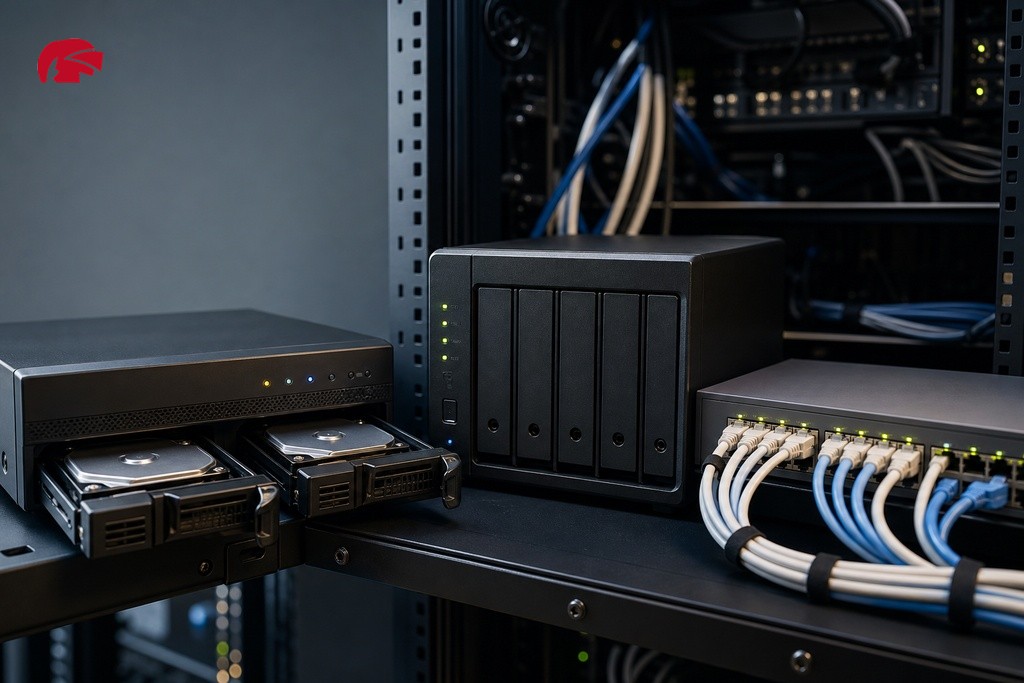
A NAS device connects to your network and can store footage from multiple recorders, often with RAID configurations that protect against individual drive failure. This suits larger installations with higher storage demands or organisations that want a more structured approach to data management. NAS systems carry a higher upfront cost but offer better scalability and redundancy than basic on-site drives.
Cloud Storage
Cloud access enables remote viewing of footage from any internet-connected device, which is genuinely useful. However, uploading continuous high-resolution video from multiple cameras requires substantial upload bandwidth, and ongoing subscription costs can accumulate quickly. Cloud storage works best as a complement to local storage rather than a replacement, particularly where connectivity or cost are limiting factors. A dedicated cctv hard drive storage guide provides a deeper breakdown of capacity planning and drive selection for on-site setups.
| Storage Format | Upfront Cost | Ongoing Cost | Resilience | Remote Access | Best Suited To |
|---|---|---|---|---|---|
| On-Site Local Storage | Low to medium | Low | Low (single point of failure) | Limited | Most installs; sites with variable connectivity |
| Network-Attached Storage (NAS) | Medium to high | Low | High (RAID protection available) | Yes, over local network | Larger sites; multi-recorder setups; higher redundancy needs |
| Cloud Storage | Low | Medium to high (subscription) | High (off-site backup) | Yes, from any internet-connected device | Complement to local storage; remote access priority |
How Much CCTV Storage Do You Actually Need?
Storage capacity is one of the most frequently underestimated parts of a CCTV specification. The amount you need depends on the number of cameras on site, the resolution each camera records at, frame rate, compression format (H.264 or H.265), recording mode (continuous or motion-triggered), and how many days of footage you want to retain.
Higher-resolution footage consumes significantly more storage. Moving from 1080p to 4K can more than quadruple your storage requirements unless additional capacity is provisioned alongside the upgrade.
Worked example: A site running eight cameras at 1080p, recording at 15 frames per second using H.265 compression and retaining footage for 14 days under continuous recording conditions, would require roughly 1 to 1.5 TB of storage. Adding cameras, increasing resolution to 4K, or extending retention to 30 days would push that figure considerably higher. Most reputable recorder manufacturers publish storage calculators that can give you a more precise estimate based on your exact parameters. Run the numbers before purchase rather than discovering a shortfall after installation.
Motion-Triggered vs Continuous Recording
Recording mode has a substantial effect on how quickly your storage fills up. Continuous recording captures footage around the clock regardless of activity, providing a complete record but consuming storage at a steady rate. Motion-triggered recording activates only when movement is detected and can reduce storage consumption by up to 50 percent compared to continuous recording, depending on activity levels.
For a quiet office or residential property, motion-triggered recording is a sensible default. For a busy retail floor or a 24-hour warehouse, the sort of operations common across Greater Manchester’s commercial and industrial districts, continuous recording is often more appropriate to ensure nothing is missed between motion events.
UK CCTV Retention Rules: How Long Should You Keep Footage?
UK data protection law treats CCTV footage showing identifiable individuals as personal data. Organisations operating CCTV must store footage securely, limit access to authorised personnel, and define how long footage is retained based on a clear, documented purpose.
The Information Commissioner’s Office (ICO) advises that CCTV footage be kept for no longer than 30 to 31 days under UK GDPR and the Data Protection Act 2018, and should not be retained beyond what is genuinely necessary for the purpose it was collected. A 31-day retention period is a useful baseline for capacity calculations.
A meta-analytic review by the College of Policing encompassing 76 studies found a statistically significant correlation between higher camera coverage and crime reduction, reinforcing why well-configured and compliant recording systems matter beyond regulatory obligation.
Compliance also extends beyond retention duration. Footage must be stored securely with appropriate access controls, and any disclosure to third parties, including Greater Manchester Police or other agencies, must follow a documented process. The guidance here is general in nature; verify current requirements with the ICO or a qualified data protection adviser for your specific situation, particularly if you operate in a regulated sector or handle sensitive locations.

Choosing Camera Recording Equipment That Fits Your Manchester Site
Selecting the right camera recording equipment means matching the specification to your actual site rather than defaulting to whatever is most familiar or lowest in price. Work through these key questions: how many cameras does your system need now and potentially in the future; are cameras indoors or outdoors; do you need remote access to footage while off-site; and how much storage headroom do you want to build in for retention flexibility.
If remote access is a priority, a dedicated remote viewing cctv guide covers the practical requirements around network configuration, bandwidth, and mobile access apps.
Working with an authorised trade distributor rather than a commodity reseller makes a meaningful difference at the specification stage. At Knight Security, every approved trade customer is assigned a dedicated account manager who can help work through recorder and storage options in the context of a specific project. As an authorised Dahua distributor and official partner with major security technology brands, we stock genuine equipment with full manufacturer backing, which matters for firmware support, warranty claims, and long-term product availability. The broader cctv surveillance products range covers everything from entry-level DVR setups to scalable NVR installations, giving installers and integrators the flexibility to specify correctly rather than compromise.
What to Check Before Buying a CCTV Recorder
Before committing to any recorder or storage solution, verify three things. First, camera compatibility: not all IP cameras work equally well with all NVRs, so check manufacturer compatibility lists before purchase. A cctv system compatibility guide gives you a detailed walkthrough of the protocols, standards, and settings to verify before mixing brands or generations of equipment. Second, storage expandability: some recorders support additional external drives or NAS connections; others are fixed at the capacity fitted at purchase, so confirm this before buying. Third, warranty and supplier support: warranty terms and the supplier’s ability to process a return or replacement quickly matter more than most buyers realise until something goes wrong. Sourcing from an authorised trade supplier with genuine manufacturer stock gives you recourse that commodity resellers cannot offer.
If you are specifying a system for a Manchester site and want to make sure you are starting with the right recorder and storage configuration, the team at Knight Security is ready to help. Get in touch with your account manager or apply for a trade account to access dedicated support, next-day delivery on in-stock products, and the kind of technical collaboration that turns a specification into a system that actually works.
Frequently Asked Questions
What is the difference between a DVR and an NVR?
A DVR connects to analogue cameras via coaxial cable and processes video inside the recorder. An NVR connects to IP cameras over a network and receives pre-processed digital streams. NVRs support higher resolutions and more flexible placement; DVRs are a cost-effective option for sites with existing coaxial cabling.
How much storage do I need for a CCTV system?
Storage needs depend on the number of cameras, recording resolution, frame rate, compression format, and retention period. As a rough guide, eight 1080p cameras recording continuously for 14 days using H.265 compression require approximately 1 to 1.5 TB. Use a manufacturer storage calculator for a more precise figure based on your exact setup.
How long should I keep CCTV footage in the UK?
The ICO advises retaining footage for no longer than 30 to 31 days under UK GDPR, and only for as long as genuinely necessary for the stated purpose. Regulated sectors or specific use cases may warrant different periods; verify with a qualified data protection adviser for your situation.
Is cloud storage suitable for CCTV systems?
Cloud storage works best alongside local storage rather than as a sole solution. It enables remote footage access from any internet-connected device, but continuous high-resolution video from multiple cameras demands significant upload bandwidth, and subscription costs can add up. Weigh both factors before committing.
What should I check before buying a CCTV recorder?
Confirm the recorder is compatible with your cameras, check whether storage can be expanded after purchase, and verify warranty terms and supplier support. Sourcing from an authorised trade distributor with genuine manufacturer stock gives you access to firmware updates, warranty recourse, and technical support that commodity resellers often cannot provide.
What is a PoE NVR and when is it the right choice?
A PoE NVR delivers both data and electrical power to IP cameras through a single Ethernet cable, removing the need for separate power runs. This simplifies installation and reduces cabling costs, making it well suited to new-build sites or locations where running additional cabling would be difficult or expensive.