






How to Choose the Right Hard Drive for Your CCTV System

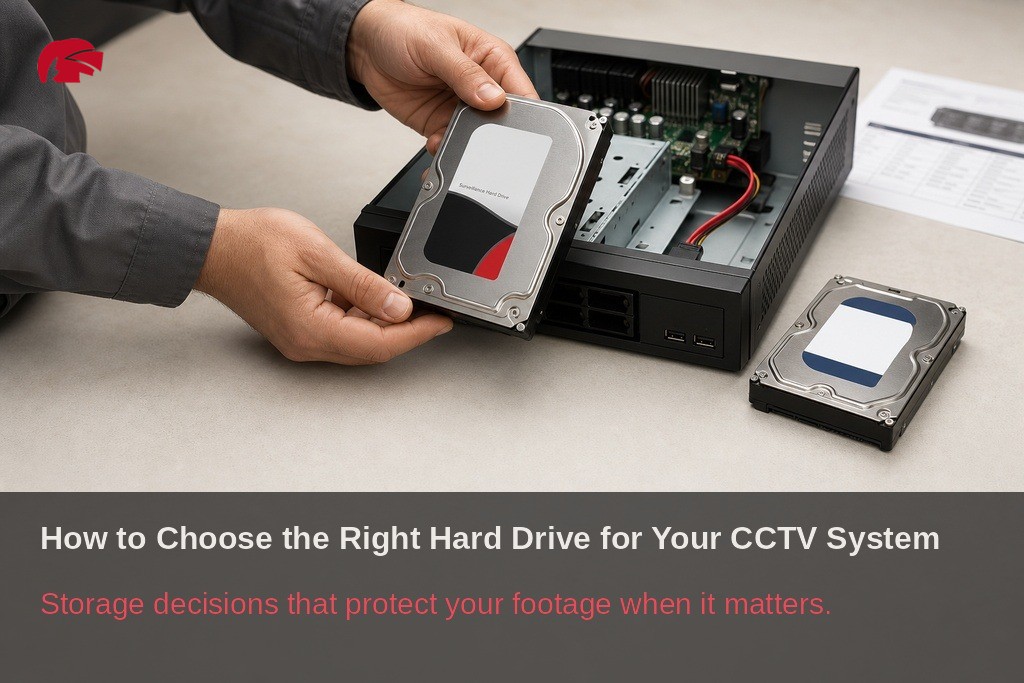
Key Takeaways
Choosing the right CCTV hard drive requires matching storage capacity, surveillance rated hardware, and recorder compatibility before any equipment is purchased.
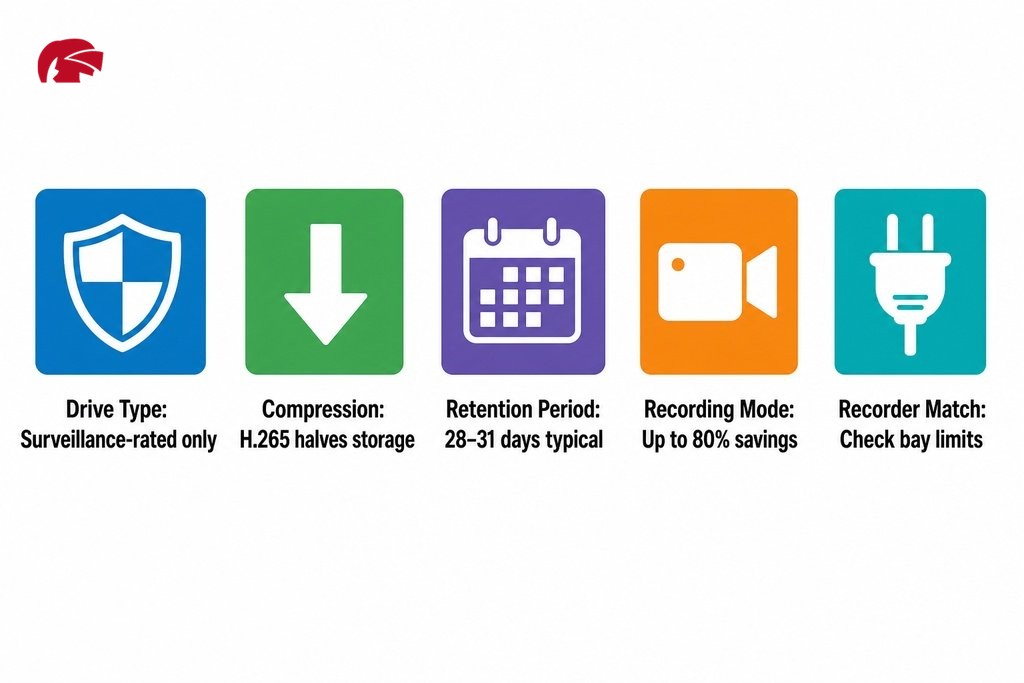
- Always use a surveillance rated hard drive in your CCTV recorder. Standard desktop drives are built for roughly 8 hours of use per day and will degrade quickly under the continuous write demands of security recording.
- Calculate your required camera storage capacity before buying. Multiply your daily data output by your retention period, typically 28 to 31 days for most UK residential and commercial sites, to arrive at the correct drive size.
- Enabling H.265 compression on a compatible recorder can roughly halve your video storage calculation compared to H.264, potentially saving the cost of a larger drive without any loss in image quality.
- Verify recorder compatibility before committing to a purchase. Each NVR or DVR model has a maximum supported drive size per bay, and installing an oversized drive means the excess capacity is simply not recognised.
- For business critical or multi site installations, a RAID configuration is strongly recommended. It distributes data across multiple drives so that a single drive failure does not result in lost security footage.
Getting the camera positions right and choosing a capable recorder are important decisions, but the hard drive inside that recorder determines whether your footage is actually there when you need it. This is where many installations quietly fail. The drive fills up, footage overwrites before an incident can be reviewed, or the wrong type of drive fails under continuous recording. Whether you are setting up security at a home in Manchester or managing a commercial site across Greater Manchester, choosing the right storage from the start saves time, money, and the frustration of discovering a gap in your recordings at the worst possible moment. This guide is part of a broader cctv recorder and storage guide covering every layer of the recording setup. Here, the focus is specifically on the hard drive: how to size it, what type to buy, and how to match it to your recorder before anything is purchased.
Why Your CCTV Hard Drive Deserves More Thought Than Most People Give It
Most people installing a CCTV system spend considerable time on cameras and recorders, then treat the hard drive as an afterthought, often chosen by size alone, sometimes pulled from a desktop computer, and installed without any consideration of workload ratings or compatibility. The consequences tend to appear weeks or months later, once the drive has degraded or storage has run out.
According to EngineerCalc, designing a video surveillance system requires balancing three core variables: image quality, retention time, and storage cost. Ignoring any one of these produces a system that looks complete but underperforms in practice, and for property owners and businesses across Manchester who rely on CCTV to review incidents, that is a meaningful risk.
How Much CCTV Storage Do You Actually Need?
Understanding how much cctv storage is needed depends on several variables working together. There is no single answer that applies to every installation, but there is a clear framework for working it out. The key inputs are the number of cameras, the resolution each camera records at, the frame rate, the compression standard in use, and whether the system records continuously or only on motion.
A household setup with four cameras recording at 1080p on a 14-day loop has very different storage demands from a small warehouse running eight cameras at 4K on a 31-day retention schedule. This is as true for a terraced house in Salford as it is for a distribution unit on the outskirts of Manchester. Getting this right means your recorder never runs short and you are not paying for unnecessary capacity.
How Resolution and Compression Affect Hard Drive Size
Higher resolution produces richer, more detailed footage but generates significantly more data per hour. Compression is where you recover much of that cost. H.265, the latest video compression standard supported by newer NVRs, is recommended for 4K video and significantly reduces required storage compared to older standards such as H.264, according to CCTV Empire. In practical terms, switching from H.264 to H.265 on a multi-camera system can roughly halve the storage requirement without any reduction in image quality. If your recorder supports H.265, enable it before sizing your drive, as the difference can be the gap between a 4 TB and an 8 TB purchase.
Continuous Recording vs Motion-Activated Recording
Recording mode has a direct and significant effect on daily storage consumption. Continuous recording captures footage every second the cameras are active, producing a consistent and predictable volume of data. Motion-activated recording only writes data when movement is detected, which can reduce daily storage use considerably on quieter sites.
For a home where the driveway sees occasional activity, motion-triggered recording may reduce daily storage use by 60 to 80 per cent compared with continuous recording. For a busy retail unit or loading bay, the sort of commercial premises common across Manchester city centre and surrounding areas such as Trafford or Stockport, the savings are much smaller. When estimating your hard drive size, calculate for continuous recording first to establish your ceiling, then adjust downward if your setup genuinely supports motion-only recording.
Continuous vs Motion-Activated Recording: Key Differences
| Factor | Continuous Recording | Motion-Activated Recording |
|---|---|---|
| Data written per day | High (consistent, predictable) | Low to medium (depends on activity level) |
| Storage consumption | Maximum — use as your planning ceiling | Potentially 60 to 80% lower on quiet sites |
| Best suited to | Busy commercial sites, loading bays, retail | Quieter residential or low-traffic areas |
| Coverage reliability | No gaps between events | Risk of missing events if trigger is delayed |
| Sizing approach | Calculate directly from camera count and resolution | Calculate continuous first, then adjust downward |
How Long Should You Keep CCTV Footage in the UK?
Retention period is the other major factor in your storage calculation, and it is worth treating as a cctv footage retention guide in its own right. The 31-day retention period is widely referenced by UK insurers and is a common starting point for both residential and commercial installations. For businesses, the Information Commissioner’s Office (ICO) advises that footage should not be kept for longer than is necessary for the purpose it was collected. Most small businesses align to 28 to 31 days, while higher-risk sites such as petrol stations or cash-handling environments may retain footage for longer based on their specific circumstances.
The critical point is that your retention requirement must be established before you choose a drive. A drive sized for 14 days of retention will begin overwriting footage on day 15 regardless of whether an incident occurred in that window.
Surveillance Hard Drives vs Standard Hard Drives
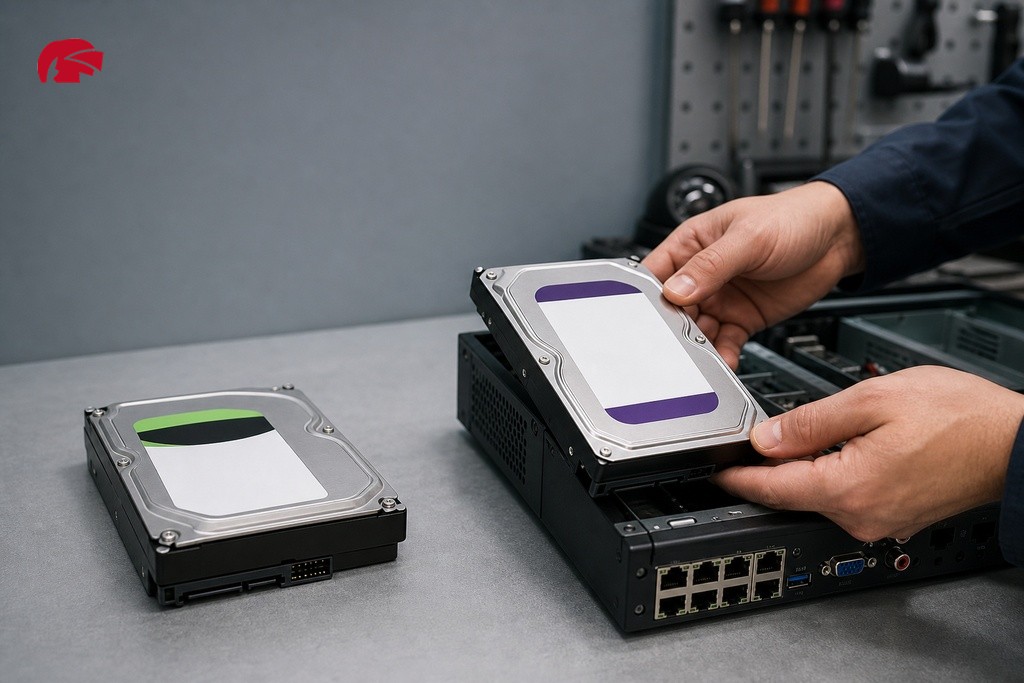
This is the distinction that matters most and is most frequently ignored. Standard desktop or laptop hard drives are designed for general computing workloads, typically bursts of activity followed by long periods of low or no use. Surveillance hard drives are designed to operate 24 hours a day, 7 days a week, whereas standard desktop drives are engineered to run for approximately 8 hours per day, as noted by EngineerCalc. Put a consumer drive into a CCTV recorder and you are running it at roughly three times the workload it was built to handle.
Beyond duty cycle, CCTV systems write data approximately 95% of the time and read only 5%, requiring write-intensive firmware that standard drives do not have. Purpose-built surveillance hard drives address this with firmware tuned for streaming writes, vibration compensation for multi-drive bays, and error recovery settings that prioritise continued recording over drive protection. For NVRs and DVRs, a surveillance-rated drive is not a premium option; it is the correct option.
Surveillance vs Standard Hard Drive: Suitability Comparison
| Specification | Standard Desktop Drive | Surveillance-Rated Drive |
|---|---|---|
| Designed operating hours | Approximately 8 hours per day | 24 hours per day, 7 days a week |
| Write workload ratio | Balanced read/write | Optimised for approximately 95% write activity |
| Firmware tuning | General computing tasks | Streaming writes, continuous recording |
| Vibration compensation | Not typically present | Built in for multi-drive bays |
| Error recovery behaviour | Prioritises drive protection | Prioritises continued recording |
| Workload rating (TB/year) | Low | Significantly higher |
| Suitable for CCTV recorders | No | Yes, the correct choice for NVRs and DVRs |
What to Check on a Surveillance Drive’s Specification Sheet
Before purchasing any drive for a security installation, confirm three things. First, the workload rate (TB/year), which indicates how much sustained writing the drive is rated to handle; surveillance drives carry a significantly higher rating than desktop equivalents. Second, the MTBF (Mean Time Between Failures), a reliability metric indicating the statistical lifespan of the drive, where a higher figure is better. Third, recorder compatibility: major NVR and DVR brands publish approved drive lists, and installing a drive outside that list can result in recording errors, system instability, or a voided warranty on the recorder itself. Always cross-reference the drive model against your recorder’s compatibility documentation before committing to a purchase.
Matching Your Hard Drive to Your Recorder
Even the right drive in the wrong configuration causes problems. Modern NVR recorders can support storage configurations ranging from a single 4 TB hard drive up to 160 TB across 16 hard drives, which illustrates how wide the range of supported configurations can be. However, each recorder model has its own maximum supported drive capacity per bay. Installing a drive larger than the recorder can address means the excess capacity simply goes unused; a recorder with a per-bay limit of 8 TB will not utilise a 10 TB drive correctly.
For larger installations, RAID configurations distribute data across multiple drives and provide protection against data loss if a single drive fails. This is strongly recommended for business-critical environments. Before purchasing any drive, confirm your recorder’s bay count, maximum supported drive size per bay, and RAID capability from its specification sheet.

When to Ask a Professional Instead of Deciding Alone
For straightforward residential or small commercial setups, the steps outlined in this guide are sufficient to make a confident purchase decision. Multi-site businesses, warehouses with high camera counts, systems running mixed resolutions, or installations where security footage retention has legal or insurance implications all carry a higher cost of getting it wrong. This applies as much to a Manchester city centre office block as it does to a multi-unit retail estate in Trafford Park. In those situations, working through storage and compatibility questions with a specialist before equipment is purchased is a practical step, not an unnecessary one.
At Knight Security, every approved trade customer has a dedicated account manager who can work through project requirements and flag compatibility issues before an order is placed. Technical support is available as a genuine project resource.
Quick Checklist: What to Confirm Before You Buy a CCTV Hard Drive
- Calculate your daily storage consumption — number of cameras, resolution, compression standard, and recording hours per day.
- Multiply by your retention period — whether that is 14, 31, or more days — to arrive at your total required capacity.
- Choose a surveillance-rated drive — not a standard desktop drive.
- Verify compatibility — check the drive against your recorder’s approved list and confirm bay limits.
- Consider RAID — for larger or business-critical sites, a RAID configuration adds important protection against data loss.
- Buy from an authorised source — grey-market and counterfeit drives do exist in the security supply chain. A drive arriving in an unbranded box with no manufacturer warranty offers none of the protections a genuine product carries.
Purchasing through an authorised distributor such as Knight Security ensures you receive genuine, warranted stock from recognised manufacturers, with the account support to confirm compatibility before the order ships. If you are ready to specify storage for your next installation in Manchester or the wider North West, speak to your account manager or get in touch with the Knight Security team to discuss your project requirements.
Frequently Asked Questions About CCTV Hard Drive Storage
What size hard drive do I need for a 4-camera CCTV system?
It depends on resolution, frame rate, compression, and how long you need to retain footage. As a rough guide, a four-camera 1080p system using H.265 compression recording continuously may require around 1 to 2 TB per week. Calculate for your full retention period, typically 14 to 31 days, to arrive at the right drive size before purchasing.
Can I use a standard desktop hard drive in a CCTV recorder?
No. Desktop drives are built for around 8 hours of use per day and cannot handle the continuous write workloads that CCTV recording demands. Using one risks premature failure and gaps in your recordings. Always use a drive rated specifically for surveillance use.
How long should CCTV footage be kept in the UK?
There is no fixed legal minimum, but the ICO advises keeping footage only for as long as necessary. Most UK residential and small commercial systems retain footage for 28 to 31 days, which also aligns with common insurer requirements. Higher-risk sites may retain for longer depending on their circumstances.
Does H.265 compression make a significant difference to storage?
Yes. H.265 can roughly halve the storage required compared to H.264 at the same image quality. On a multi-camera 4K system, this can mean the difference between needing a 4 TB and an 8 TB drive. If your recorder supports H.265, enabling it before sizing your storage is a straightforward way to reduce cost.
What happens if I install a hard drive that is too large for my recorder?
The excess capacity goes unused. Each recorder has a maximum supported drive size per bay, and storage beyond that limit is not recognised. Always check your recorder’s specification sheet for its per-bay capacity limit before selecting a drive.
What is RAID and do I need it for my CCTV system?
RAID distributes data across multiple hard drives so that if one drive fails, recordings are not lost. It is not essential for small home systems but is strongly recommended for business-critical installations, including commercial premises, multi-site operations, or anywhere that losing footage would have legal or insurance consequences.